
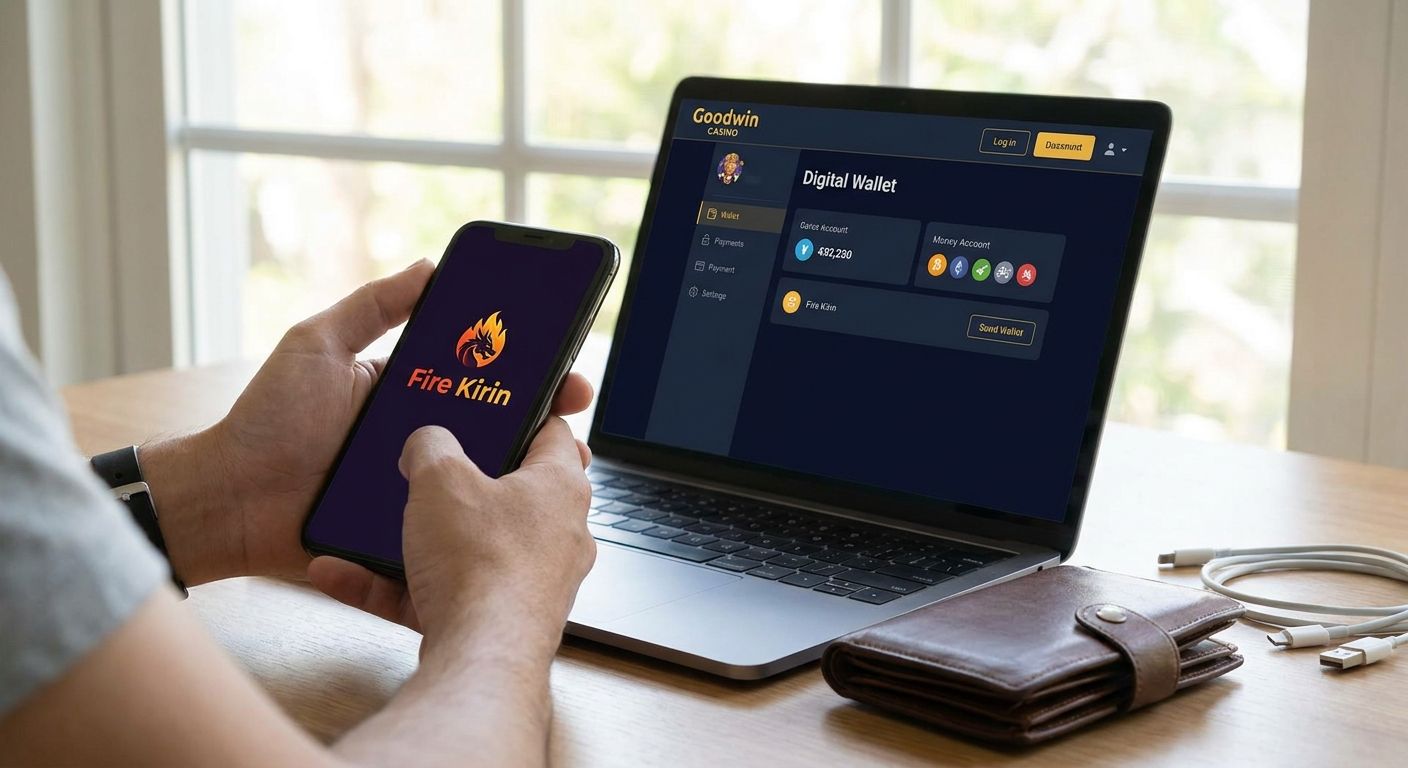
Linking Fire Kirin to your Goodwin Casino wallet takes three steps: create or confirm your Fire Kirin account, enter that account ID inside your Goodwin wallet, and confirm the link before you fund it. The process runs through the wallet, not through Fire Kirin itself — Fire Kirin never asks for your Goodwin login, and Goodwin never asks for your Fire Kirin password.
- Link Fire Kirin to your Goodwin Casino wallet in three steps: create the account, enter the ID, confirm the link.
- The wallet handles funding across 26+ sweepstakes platforms, so one link gives you deposit access without separate logins per game.
- A mismatched username is the most common reason a link fails — double-check spelling before submitting.
- Live support confirms a stuck link usually within the same session, not days later.
Why this matters
Fire Kirin runs as its own platform with its own account system. Goodwin Casino's wallet sits on top of it as a funding layer, so linking the two means Fire Kirin recognizes deposits sent from your Goodwin balance instead of requiring a separate payment method inside Fire Kirin's own interface.
Skip the link and you're stuck manually coordinating two account systems every time you want to play or cash out. Get it right once in 2026 and every future deposit routes through the same wallet, whether you're playing Fire Kirin, Juwa, or Game Vault.
How do you link Fire Kirin to your Goodwin Casino wallet?
The link happens inside your Goodwin wallet dashboard, not on Fire Kirin's site. Here's the sequence:
- Log into your Goodwin Casino wallet. Use the same credentials you set up when you registered.
- Open the platform linking section and select Fire Kirin from the list of supported games.
- Enter your Fire Kirin account ID or username exactly as registered. Typos here are the #1 cause of failed links.
- Submit and wait for confirmation. The wallet checks the ID against Fire Kirin's system and confirms the match.
- Fund the linked account. Once confirmed, you can add money to Fire Kirin directly from your wallet balance.
If you don't have a Fire Kirin account yet, create one first — the wallet can't link to an account that doesn't exist.
Comparison: linking a new account vs an existing one
| Scenario | What you need | Typical friction point |
|---|---|---|
| New Fire Kirin account | Username created during signup | None if ID entered correctly |
| Existing Fire Kirin account | Exact matching username/ID | Old accounts sometimes use a different spelling or number suffix |
| Multiple existing platforms | Separate ID for each game | Confusing Fire Kirin ID with Juwa or Orion Stars ID |
Verdict: linking a brand-new Fire Kirin account through your Goodwin wallet is the cleanest path — no legacy username mismatches, no guessing which ID belongs to which platform.
Why Fire Kirin linking fails
Most failed links trace back to a small handful of causes:
- Username typo or case mismatch — Fire Kirin IDs are often case-sensitive.
- Account created under a different email than the one tied to your Goodwin wallet.
- Duplicate Fire Kirin accounts — the wallet links to whichever one you registered first unless you specify otherwise.
- Session timeout during the confirmation step, which cancels the request silently.
- Browser cache issues on mobile, especially after switching between multiple sweepstakes platforms in one session.
If your link won't confirm after a second attempt, the fastest fix is checking whether the issue is actually a Fire Kirin login error rather than a linking problem — the two get mixed up constantly.
Link Fire Kirin in your Goodwin wallet
Fund Fire Kirin, Juwa, and Game Vault from one dashboard.
Do I need to download Fire Kirin to link it?
No — you can log into Fire Kirin without downloading an app and still link it to your wallet through the browser version. The link only needs a valid, active account ID; it doesn't check how you access the game.
How do I get my winnings back out after linking?
Winnings move back through the same wallet connection you used to fund the account. The process to transfer Fire Kirin winnings to your wallet runs in the reverse direction of the deposit flow, using the same linked ID.
What if my Fire Kirin account won't link at all?
Check three things first: username spelling, account status on Fire Kirin's side, and whether you're already linked under a different Goodwin profile. Most unresolved cases in 2026 come down to one of these three, not a technical outage.
FAQ
How do I link Fire Kirin to my Goodwin Casino wallet?
Log into your Goodwin wallet, select Fire Kirin from the platform list, enter your exact Fire Kirin username, and confirm. Once confirmed, you can fund the account directly from your wallet balance.
Why won't my Fire Kirin account link to my wallet?
The most common cause is a username typo or case mismatch between what you entered and your actual Fire Kirin ID. Duplicate accounts under different emails are the second most common cause.
Can I link Fire Kirin without downloading the app?
Yes, linking works the same whether you access Fire Kirin through the browser or the app. The wallet only verifies the account ID, not the access method.
Do I need a Fire Kirin account before linking it to Goodwin?
Yes, the wallet links to an existing Fire Kirin account — it can't create one for you. Register on Fire Kirin first, then return to your Goodwin wallet to complete the link.
Can I link more than one sweepstakes platform to the same wallet?
Yes, the same Goodwin wallet supports linking across 26+ sweepstakes games including Juwa and Game Vault, each with its own account ID entered separately.
What happens if I enter the wrong Fire Kirin ID?
The link request fails and no funds move until you correct the ID and resubmit. Nothing is charged or transferred on a failed link attempt.
How long does linking Fire Kirin to a wallet take?
Confirmation happens within the same session once the correct ID is submitted; live support can resolve a stuck request without requiring a new account.
One last thing
The detail most players miss in 2026: linking Fire Kirin doesn't require closing or resetting an existing account with real balance history — the wallet connects to what's already there, gold coins, sweeps coins, and all. Re-registering a fresh Fire Kirin account when you already have one just creates a second identity the wallet has to sort out later.


