
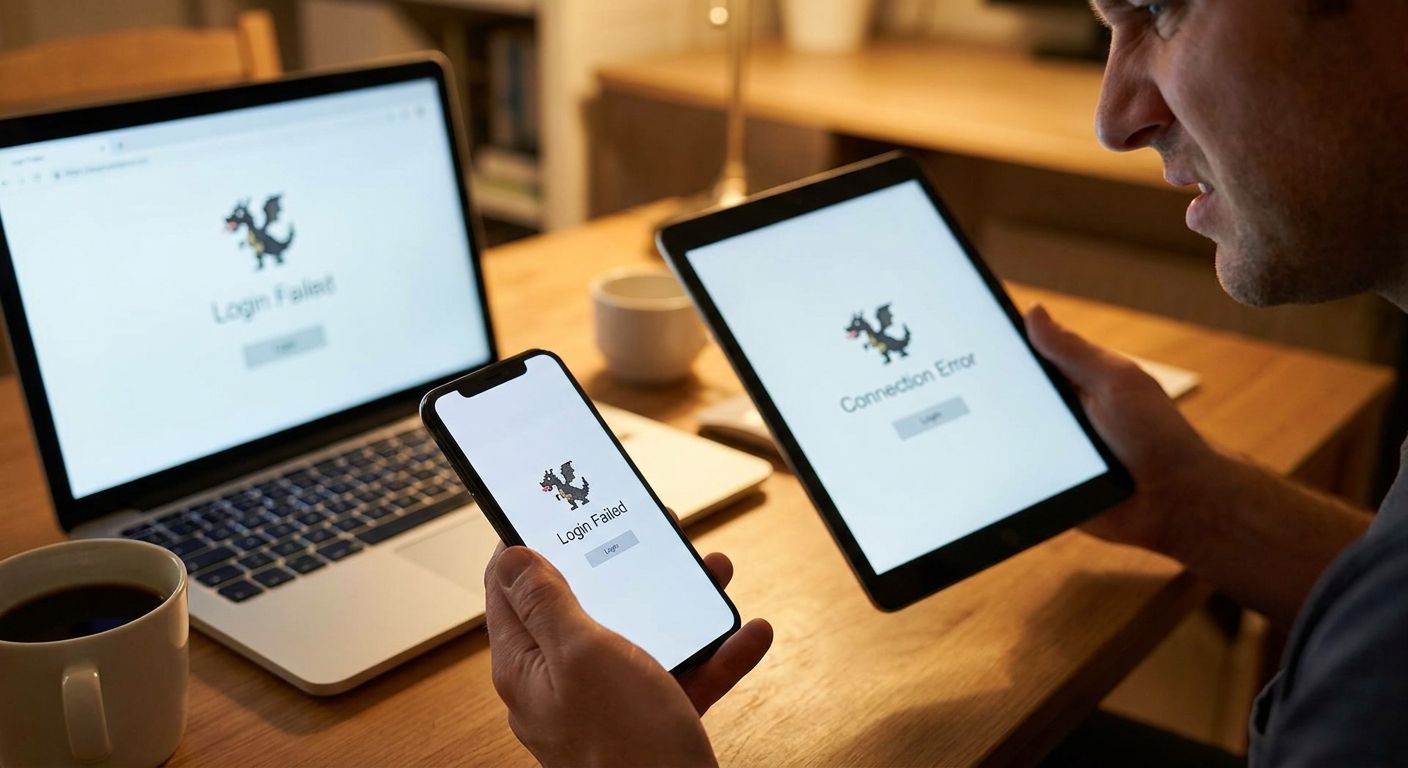
Fire Kirin login not working almost always comes down to one of four things: an expired session token, an outdated app version, a blocked connection from a VPN or shared wifi, or an account lock after too many failed password attempts. Clearing the app cache and switching to a browser login resolves most cases in under five minutes — a full account lock is the only fix that needs support to clear.
- Fire Kirin login not working is usually an expired session, outdated app, VPN block, or failed-attempt lockout.
- Clearing cache and re-entering credentials fixes most cases without reinstalling anything.
- Browser login skips the outdated-APK problem entirely — no download required.
- An account lock after repeated failed attempts needs live support to reset, not a password retry.
- Goodwin Casino routes Fire Kirin access through one wallet, so a login fix here doesn't touch your balance.
Why this matters
A login error on Fire Kirin isn't a sign your account or balance is gone — it's almost always a session or connection problem on the device side. Panic-resetting the app or reinstalling it repeatedly can actually trigger the very lockout you're trying to avoid, since Fire Kirin flags rapid repeated login attempts as suspicious activity.
The fix depends on which of the four causes you're dealing with, and the order you troubleshoot in matters. Players who access Fire Kirin through Goodwin Casino go through a single wallet layer, which means a login error on the game side rarely touches funds sitting in the wallet — that separation is worth knowing before you start troubleshooting anything.
Fire Kirin login not working: how to fix it
Work through these in order. Most login errors clear at step 2 or 3.
- Force-close the app and reopen it. This clears the temporary session token that expires after periods of inactivity — the single most common cause of a "login failed" message.
- Clear the app cache (Android: Settings > Apps > Fire Kirin > Storage > Clear Cache). Do not clear data, which wipes saved login info.
- Turn off VPN and switch off wifi to mobile data, or vice versa. Fire Kirin's login server flags IP changes mid-session and can silently reject the request.
- Re-enter your username and password manually instead of using autofill — saved credentials sometimes carry an outdated character from a prior password reset.
- Check for an app update. An outdated version is a frequent trigger in 2026 after platform-side server updates roll out faster than the client apps.
- Switch to browser login if the app still won't authenticate. This bypasses the local app entirely and talks to the server directly.
- Contact live support if none of the above works — this is the sign of an account-level lock, not a device issue.
App login vs. browser login: which fixes the error faster
If you're not sure which route to take, this breaks down where each one wins.
| Login method | Common error trigger | Fix speed | Best for | |---|---|---| | Downloaded app (APK) | Outdated version, corrupted local cache | Slower — requires reinstall or update | Players who already have a stable, updated install | | Browser login | Wrong bookmarked URL, no download issues | Faster — no update or reinstall step | Players hitting repeated app errors or on a new device |
Browser login is the faster fix when the app itself is the problem, since it removes the outdated-version and corrupted-cache variables entirely. Players who want to skip the reinstall step altogether can log into Fire Kirin without downloading an app and authenticate straight from a mobile or desktop browser.
Account locked after failed login attempts
A lock triggers after repeated failed password entries in a short window — this is a security measure, not a bug. Retrying the same wrong password faster only extends the lock, so the fix is to stop guessing and go through account recovery or live support instead of brute-forcing it.
Verdict: if the app says "account locked" or "too many attempts," stop entering passwords and contact support directly — repeated retries during an active lock window reset the countdown rather than clearing it.
Why Fire Kirin login errors happen
- Session expiration — tokens time out after inactivity, especially overnight.
- Outdated app version — server-side updates in 2026 have outpaced some client releases, causing authentication mismatches.
- VPN or network switching mid-session — the login server ties a session to one IP and rejects a sudden change.
- Too many failed password attempts — triggers an automatic temporary lock.
- Corrupted local cache — common after a phone OS update changes how the app stores data.
- Sideloaded APK from an unofficial source — a mismatched or tampered build can fail authentication even with correct credentials. Players installing outside official channels should confirm the source first — see how to download Fire Kirin on Android outside the Play Store for the safe method.
“Retrying the same wrong password faster only extends an account lock — it doesn't clear it.”
Why does Fire Kirin keep logging me out?
Fire Kirin keeps logging you out when the session token expires from inactivity or when the app detects a network change mid-session. Staying on one stable connection and closing the app fully between sessions — rather than leaving it backgrounded for hours — cuts down on repeat logouts.
Is Fire Kirin down right now, or is it just my login?
A true outage usually shows the same error across multiple devices and networks at once, while a login-specific issue only affects your account or device. If friends or forum threads report normal access while you're stuck, the problem is local — cache, app version, or network — not a server outage.
Can I log into Fire Kirin without downloading an app?
Yes — Fire Kirin supports direct browser login, which skips the app entirely and avoids version-mismatch errors. This is also the quickest workaround when an app-based login keeps failing and you don't want to wait on an update or reinstall.
A note on wallet access
One detail that trips people up: a Fire Kirin login error is separate from your deposit or balance status. If you're troubleshooting login while also trying to fund your account, Goodwin Casino's single wallet keeps deposits and platform access as two different systems, so a stuck login doesn't mean a stuck deposit — see how to add money to Fire Kirin online instantly once you're back in.
Access Fire Kirin from one wallet
Manage Fire Kirin, Juwa, and Game Vault logins through a single account.
FAQ
Why is my Fire Kirin login not working in 2026?
Fire Kirin login not working in 2026 is most often an expired session, an outdated app version, or a VPN/network switch mid-session. Force-closing the app and clearing its cache resolves most cases without a reinstall.
How do I unlock my Fire Kirin account after failed login attempts?
You unlock a Fire Kirin account by waiting out the temporary lock window or contacting live support directly rather than retrying the password. Repeated attempts during an active lock extend it instead of clearing it.
Does clearing the app cache delete my Fire Kirin account?
No, clearing cache only removes temporary session and image data, not your account or balance. Clearing app data (a separate option) can remove saved login info, so avoid that unless instructed by support.
Can a VPN cause Fire Kirin login errors?
Yes, a VPN can cause Fire Kirin login errors because the server ties an active session to a single IP address. Switching networks or toggling a VPN mid-session often triggers an automatic rejection.
Is browser login safer than the downloaded Fire Kirin app?
Browser login isn't inherently safer, but it avoids version-mismatch and corrupted-cache errors that come from an outdated or sideloaded app build. It's the faster fix when the app itself is the problem.
How long does a Fire Kirin account lock last?
Lock duration varies and isn't published by Fire Kirin, so the fastest resolution is contacting live support instead of waiting it out. Repeated login attempts during the lock window can extend it.
What should I do if Fire Kirin says invalid credentials but my password is correct?
Re-enter the password manually instead of using autofill, since saved credentials sometimes carry an outdated character from a prior reset. If manual entry still fails, switch to browser login before attempting a password reset.
One last thing
The fix most players skip is the simplest one: toggling airplane mode on and off for ten seconds before reopening the app. It forces a fresh IP handshake with the login server without touching cache, data, or credentials — and it clears session-expiration errors that a full force-close sometimes doesn't. Try that before you reinstall anything.


