
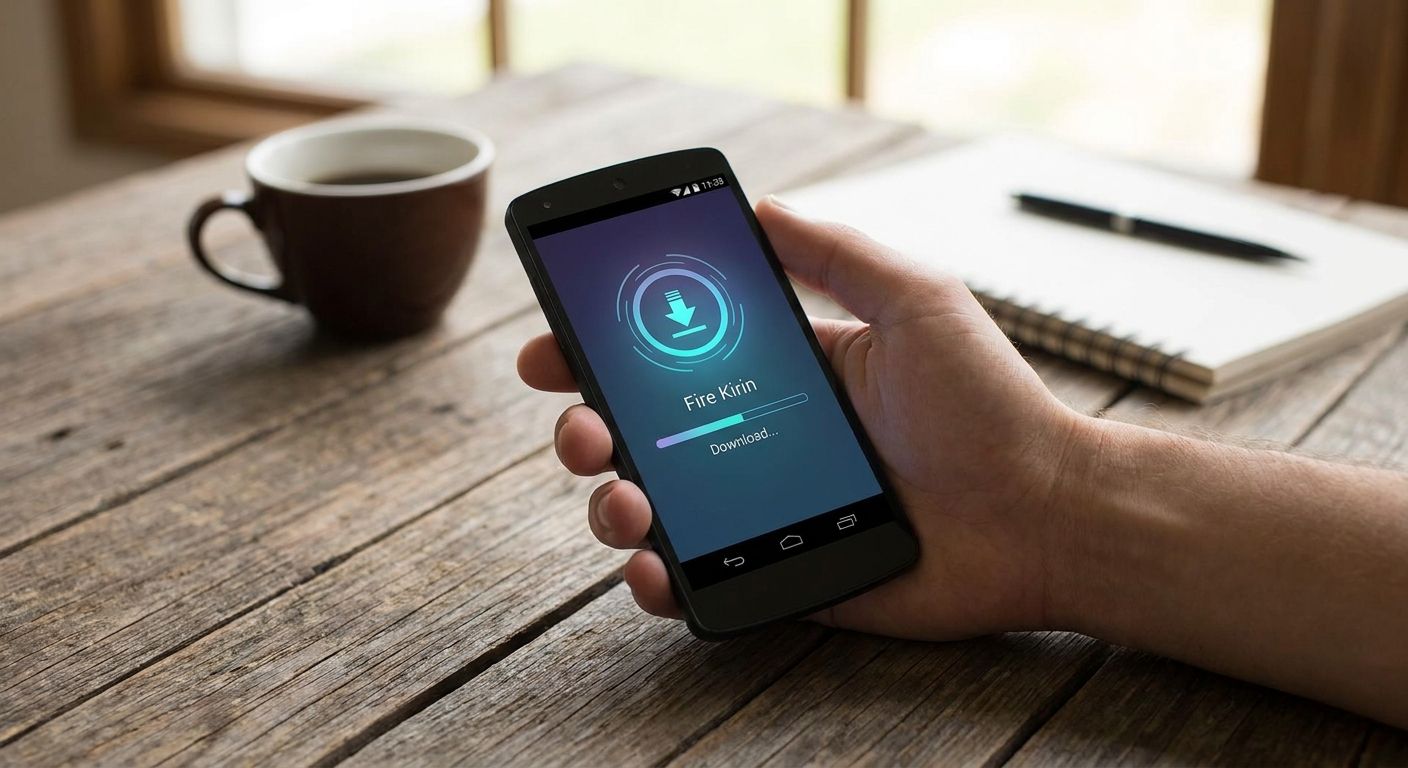
Fire Kirin doesn't sit in the Google Play Store, so the only way onto an Android phone is a direct APK install. This guide covers the full sideload process — settings, download, install, and funding — so you're not guessing halfway through.
- Fire Kirin download means sideloading an APK — Google Play doesn't carry sweepstakes apps in 2026.
- Skip the unknown-sources permission step and the install file simply won't run.
- Goodwin Casino gives direct platform access to Fire Kirin, Juwa, and Game Vault from one wallet.
- Fund the app through the Goodwin wallet after install; the same wallet covers every connected platform.
Why this matters
Google Play's developer policy keeps real-money and sweepstakes-style casino apps off the store, so publishers distribute the Fire Kirin APK directly instead. That's normal for this category in 2026, not a red flag, but it does mean the install process looks different from a typical app download.
The practical effect: your phone has to trust a file that didn't come from Play, which means flipping a setting Android hides by default. Get that step wrong and the rest of the install stalls before it starts.
What you'll need
- An Android phone running Android 8.0 or later — this version introduced per-app control over unknown-source installs, which is the setting you'll use
- A browser to reach the download page
- An active Wi-Fi or mobile data connection to complete the file transfer
- A Goodwin Casino account and wallet ready for funding
- A few uninterrupted minutes — don't start the install and switch apps halfway through
The steps
1. Check your Android version before you start
Open Settings > About Phone and confirm your Android version. This matters because Android 8.0 changed how unknown-source permissions work — older phones grant the permission system-wide, newer ones grant it per app. Knowing which version you're on tells you exactly where to look in step two. Skipping this check is the most common reason people can't find the toggle they're told to flip.
2. Enable installs from unknown sources
Go to Settings > Security (or Settings > Apps > Special Access on newer builds) and turn on "Install unknown apps" for your browser. This step exists because Android blocks APK installs from outside the Play Store by default — without it, the file downloads but refuses to open. The setting only needs to be enabled for the browser you're using to download the file, not for every app on the phone. Expect a one-time permission prompt the first time you try to install.
3. Reach the Fire Kirin access point through Goodwin
With unknown sources enabled, go to Goodwin Casino and use the platform access point for Fire Kirin. Goodwin routes you to the game and ties it to a single wallet, so you're not juggling separate logins for every sweepstakes platform you play. This is the step that turns a scattered download hunt into one consistent starting point.
4. Download the APK file
Tap through to start the download and let it finish completely before touching anything else. A partial download is the single biggest cause of the "parse error" people hit later in step five. Watch the notification bar for a completed download before moving on — an interrupted transfer looks finished but isn't.
5. Install the app
Open the downloaded file from your notifications or file manager and tap Install. Android will show a security warning because the file didn't come from Play — that's expected, not a sign something's wrong, as long as you got the file through the step above. Once installed, you'll see the Fire Kirin icon on your home screen or app drawer.
6. Create or log into your account
Launch the app and either register or sign in. This is where your account gets linked to the wallet you'll fund in the next step, so double-check you're using the same credentials tied to your Goodwin wallet rather than creating a second, disconnected account.
7. Fund your wallet before you play
Fire Kirin needs a funded wallet to do anything past the login screen. The Goodwin wallet deposit guide walks through the deposit flow step by step, and the same funded wallet carries over if you also play Juwa or Game Vault. Fund it once and the balance follows you across platforms instead of resetting per app.
8. Confirm the connection and launch
Open the game a second time after funding to confirm your balance shows correctly before you start playing. If the balance is missing or the screen hangs, don't keep tapping — close the app fully and reopen it once instead of stacking multiple launch attempts.
Access your wallet and games
One wallet funds Fire Kirin, Juwa, and Game Vault together.
Troubleshooting
"App not installed" error. This almost always means unknown sources wasn't enabled for the browser you used, or a previous partial download is still sitting in your file manager. Delete the old file and re-download from scratch after confirming the permission in step two.
Google Play Protect blocks the file. Play Protect scans sideloaded APKs by default and can flag them simply because they're unfamiliar, not because anything is actually wrong. Tap "Install anyway" if the prompt appears, but only if you downloaded the file through the Goodwin access point rather than a random link.
Parse error on install. This is a download problem, not an install problem — the file didn't finish transferring. Clear it from your file manager, reconnect to a stable network, and download it again in full.
Blank or white screen on launch. Usually a connectivity hiccup on first load. Force-close the app from your recent apps list and reopen it once your connection is stable.
Wallet balance not showing inside the game. Confirm the deposit actually completed on the wallet deposit guide before assuming the app is broken — a pending deposit won't reflect inside Fire Kirin yet.
Download keeps stalling. Switch from mobile data to Wi-Fi or vice versa. A single dropped connection mid-download is the most common cause of a stalled transfer.
Tools and resources
- Android Settings > Security, for the unknown-sources toggle
- A stable Wi-Fi or mobile data connection
- The Goodwin Casino wallet for funding Fire Kirin, Juwa, and Game Vault from one place
- The wallet deposit guide for step-by-step funding instructions
- Your phone's file manager, to clear partial downloads if something stalls
What to do next
Once Fire Kirin is installed and funded, the same wallet setup carries over to any other sweepstakes platform connected through Goodwin. There's no separate download-and-fund cycle to repeat for each one — the account and balance stay consistent across the lobby.
FAQ
Why isn't Fire Kirin on the Google Play Store in 2026?
Google Play's developer policy restricts real-money and sweepstakes-style casino apps, so Fire Kirin distributes as a direct APK download instead. This is standard across the category, not a sign of a broken or discontinued app.
Is it safe to download Fire Kirin outside the Play Store?
Yes, as long as you download it through a trusted access point rather than a random link found through search. Enabling unknown sources only for your browser, and disabling it again afterward, keeps the permission from staying open system-wide.
What Android version do I need for Fire Kirin?
Android 8.0 or later is recommended because that version introduced per-app control over unknown-source installs, which makes the permission step in this guide easier to manage. Older versions still work but handle the permission differently.
Do I need a new account for each sweepstakes platform?
No — Goodwin Casino connects Fire Kirin, Juwa, and Game Vault to a single wallet, so you fund once instead of managing separate balances per platform. Your login for each game still exists individually, but the money side stays unified.
Why does my phone show a security warning during install?
Android flags any APK that didn't come from the Play Store with a warning screen, which is expected behavior, not an error. As long as the file came from a trusted access point, it's safe to continue past the warning.
How do I fund Fire Kirin after installing it?
Fund it through the Goodwin wallet using the deposit process outlined in the wallet guide, then confirm the balance shows inside the app before playing. The same funded wallet also covers other connected platforms.
What do I do if the Fire Kirin APK won't install?
Check that unknown sources is enabled for your browser and delete any partial download sitting in your file manager first. Most install failures trace back to one of those two issues rather than the app itself.
Can I use the same Fire Kirin download process on any Android phone?
The steps are the same across Android phones, though the exact settings menu location shifts slightly by manufacturer and Android version. Checking your Android version first, as outlined in step one, tells you where to look.
One last thing
Goodwin's lobby runs more than 26 sweepstakes games across platforms like Fire Kirin, Juwa, and Game Vault, and every one of them draws from the same funded wallet once you've gone through this install once. That's the actual payoff of doing the sideload correctly the first time — you're not repeating steps two through five for every new game you want to try.


