
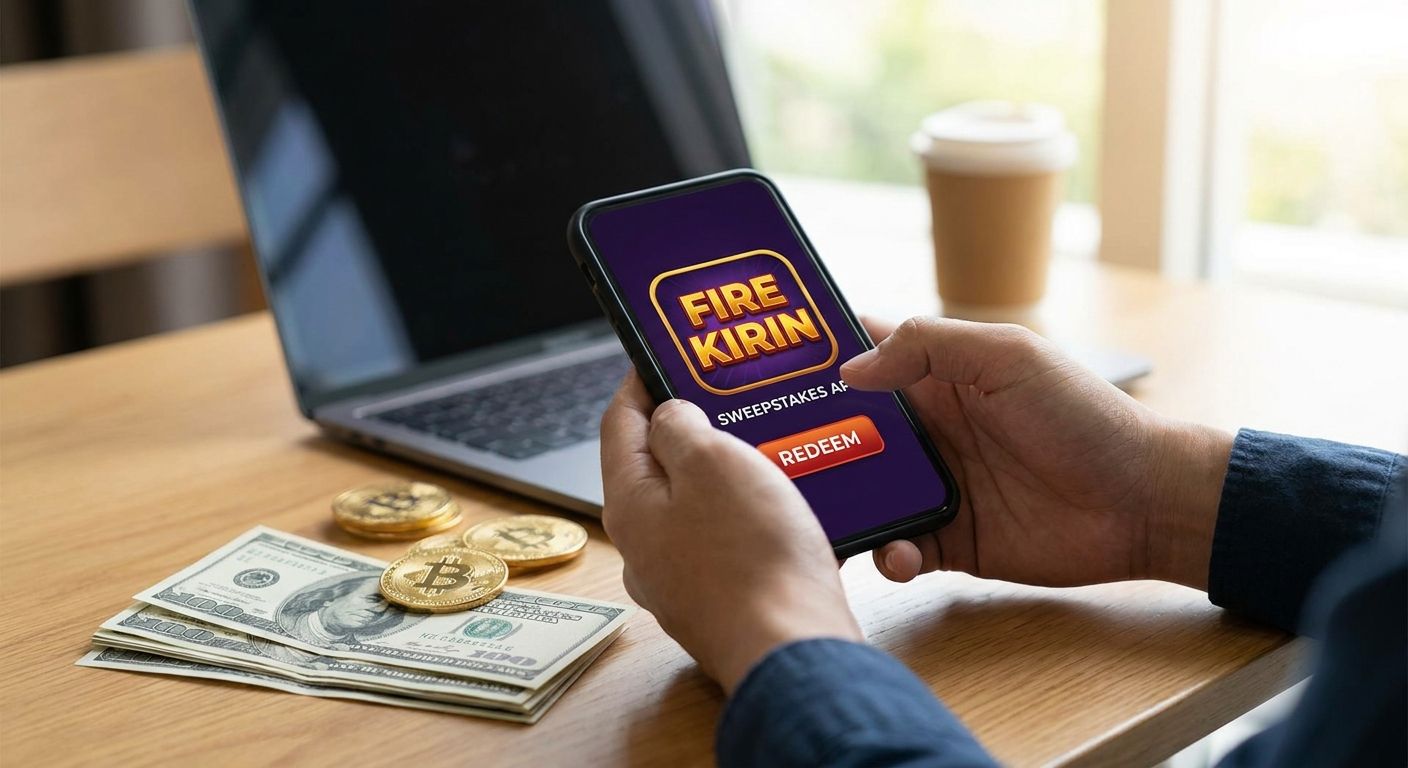
Redeeming Fire Kirin sweepstakes coins for cash in 2026 comes down to three things: an eligible coin balance, a verified account, and a payout request submitted the right way. Skip any one of those and the request stalls before it starts.
- To redeem Fire Kirin coins for cash in 2026, confirm your sweeps balance, verify your ID, then submit a payout request.
- Only sweepstakes (redeemable) coins cash out — gameplay coins earned through free entries do not.
- ID mismatches are the number one reason redemption requests get delayed or denied.
- Goodwin Casino's single wallet funds and manages access to Fire Kirin — it does not process the redemption itself.
- Minimum redemption amounts and processing windows vary by platform, so check current terms before you request a payout.
Why this matters
Sweepstakes platforms like Fire Kirin run on two currencies: one you play with for entertainment, and one — usually called sweeps or redeemable coins — that can be converted to cash. Confusing the two is the single biggest reason players think they've been shorted when they haven't. If your balance shows coins that were awarded through free daily entries or bonus promos rather than a qualifying activity, that balance may not be redeemable at all, regardless of how large the number looks.
Getting this wrong wastes time on both ends: you file a request that gets rejected, then wait again for a corrected one. Understanding the redemption path before you submit anything saves a cycle you don't need.
What you'll need
- An active Fire Kirin account in good standing
- A confirmed sweepstakes (redeemable) coin balance — not just gameplay coins
- Government-issued ID that matches the name and details on your account exactly
- A verified email and phone number tied to that account
- A chosen payout method (bank transfer, e-check, or other option the platform lists)
- A single wallet if you're funding or managing access to Fire Kirin alongside other titles
If you're still topping up your balance rather than cashing out, the deposit side of this works differently from redemption — mixing the two up is where a lot of confusion starts.
The steps
1. Check your coin balance type
Open your account and confirm which coins you're holding. Redeemable balances are typically labeled separately from standard play coins, and only the redeemable side converts to cash. This takes two minutes and prevents a rejected request later. Common mistake: assuming a large total balance is entirely redeemable when a portion of it is promotional or non-cashable.
2. Verify your identity
Most redemption requests trigger an identity check if one hasn't already been completed. You'll typically need a photo ID and, in some cases, a selfie match. Your name, date of birth, and address should match your account details exactly — a typo in your address field is enough to flag the request for manual review. Common mistake: submitting an ID that's expired or doesn't match the name on the account.
3. Fund your account correctly from the start
How you fund and manage your Fire Kirin balance affects how cleanly redemption goes later. Using a single, verified funding source rather than switching methods repeatedly keeps your account history clean, which matters when a platform reviews a redemption request. If you haven't set this up yet, add money to Fire Kirin instantly through a wallet before you start playing, not after you've already accumulated a balance you want to cash out.
4. Meet the platform's redemption minimum
Most sweepstakes platforms set a minimum coin balance before a redemption request can be submitted at all. This number changes by platform and sometimes by promotion, so check the current threshold inside your account rather than relying on what a forum post said last year. Requesting below the minimum just returns an error and wastes a step. Common mistake: trying to redeem a small leftover balance that doesn't clear the threshold.
5. Submit your redemption request
Once your balance is confirmed, your ID is verified, and you're above the minimum, submit the request through the account's redemption or cash-out section. Select your payout method and double-check the account or address details tied to it — a wrong routing number or address is the second most common reason requests get delayed. Common mistake: entering payout details from memory instead of copying them directly from your bank or payment app.
6. Track the review and confirm the payout
Redemption requests go through a review period before funds are released; timing varies by platform and by payout method, so treat any number you hear as a starting estimate, not a guarantee. Check your account status page rather than just waiting on an email, since status updates sometimes post there first. Common mistake: assuming no update means something is wrong and resubmitting a duplicate request, which usually resets the review clock.
“If your ID doesn't match your account details exactly, redemption stops before it starts.”
Manage your Fire Kirin access
Fund and access Fire Kirin, Juwa, and more from one wallet.
Troubleshooting
- Redemption request stuck in review for days: confirm your ID verification actually completed rather than just being submitted — a pending verification silently blocks the payout step behind it.
- Balance shows redeemable but request is rejected: some coins are flagged non-cashable after promotional credits or bonus entries; contact support to confirm which portion of your balance qualifies.
- Payout details rejected: re-enter your bank or payment method information manually instead of using autofill, since a single digit off in a routing or account number returns the whole request.
- Verification keeps failing: use a clear, unedited photo of a current ID and make sure the name matches your account exactly, including middle names or suffixes.
- No confirmation after submitting: check your account's status or history page before assuming the request didn't go through — most platforms log it immediately even without an email confirmation.
- Minimum threshold unclear: check the redemption section of your account directly in 2026, since these figures get updated more often than support articles do.
Tools and resources
- Your Fire Kirin account dashboard for balance and redemption status
- Government ID matching your account details for verification
- A funded, verified wallet for managing deposits before you build a redeemable balance
- Platform live support for questions specific to your account or a stalled request
What to do next
If you haven't set up how you fund your balance, get that right before you're focused on cashing out — it removes one variable from the redemption process later. Review how deposits work end to end so your account history stays clean from the first transaction, not just the last one.
FAQ
How do I redeem Fire Kirin coins for cash in 2026?
You confirm your redeemable sweepstakes balance, complete identity verification, and submit a payout request through your account's redemption section. Processing time and minimum balance requirements vary by platform, so check current terms in your account before submitting.
Can I redeem gameplay coins for cash?
No, only sweepstakes or redeemable coins convert to cash — standard gameplay coins earned through entries or bonuses typically do not qualify. Check how your balance is labeled inside your account to confirm which portion is redeemable.
Why is my Fire Kirin redemption request delayed?
The most common causes are incomplete identity verification and mismatched payout details like a wrong bank or address entry. Review your verification status first, since a pending check silently blocks the payout step behind it.
Is there a minimum amount to redeem Fire Kirin coins?
Yes, most sweepstakes platforms set a minimum redeemable balance before a payout request can be submitted. That threshold changes periodically, so confirm the current minimum inside your account rather than relying on older information.
What ID do I need to redeem sweepstakes coins for cash?
A current, government-issued photo ID that matches the name, birth date, and address on your account exactly. Any mismatch, including a missing middle name or an outdated address, can flag the request for manual review.
Does Goodwin Casino process Fire Kirin redemptions directly?
Goodwin Casino's single wallet handles funding and account access across platforms like Fire Kirin, Juwa, and Game Vault, not the redemption itself. Redemption requests are submitted and reviewed through the individual platform's account system.
How long does a Fire Kirin cash redemption take?
Review and payout timing varies by platform and payout method, and no fixed number applies across every account. Check your account's status page directly for the most current estimate rather than relying on a general figure.
What's the biggest mistake people make redeeming sweepstakes coins?
Assuming an entire coin balance is redeemable when part of it came from promotional or bonus credits that don't qualify for cash-out. Confirming balance type before submitting a request avoids a rejected redemption and a repeat review cycle.
One last thing
The fastest redemptions in 2026 aren't the ones from players who move quickest — they're the ones from players who verified their identity and funding source correctly the first time, before a coin balance ever needed to be cashed out. Set that up early and the redemption step itself becomes the shortest part of the process.


